


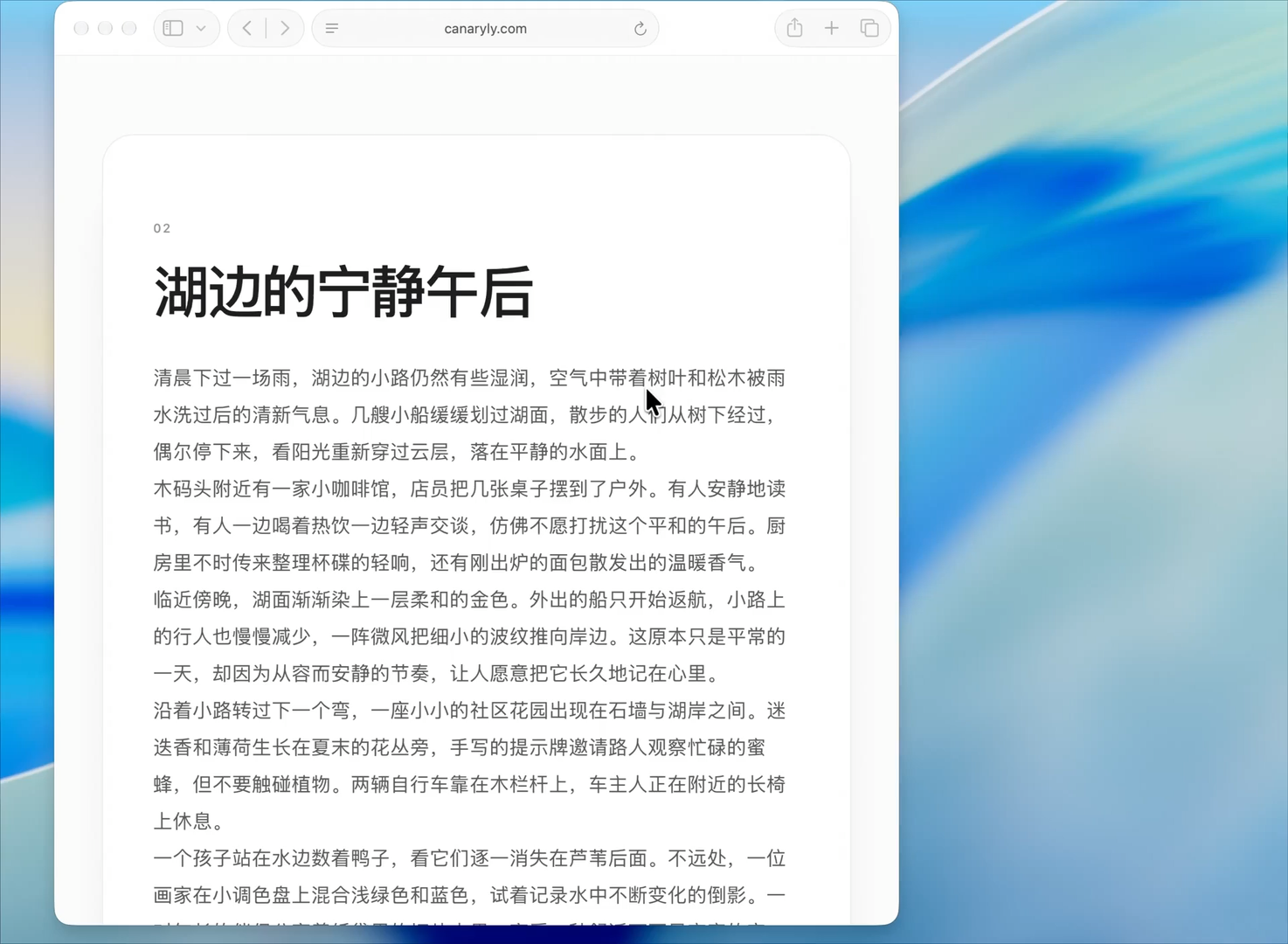
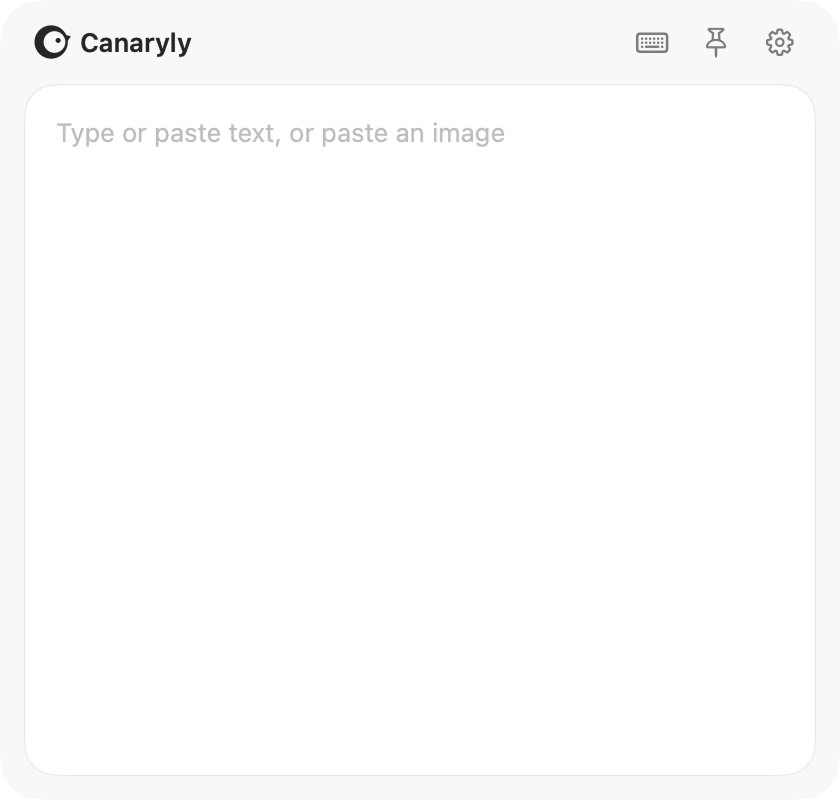
Type or paste to translate
Translate text you type or paste—or paste an image to translate its text.
 Canaryly
For anyone tired of one-size-fits-all translations.

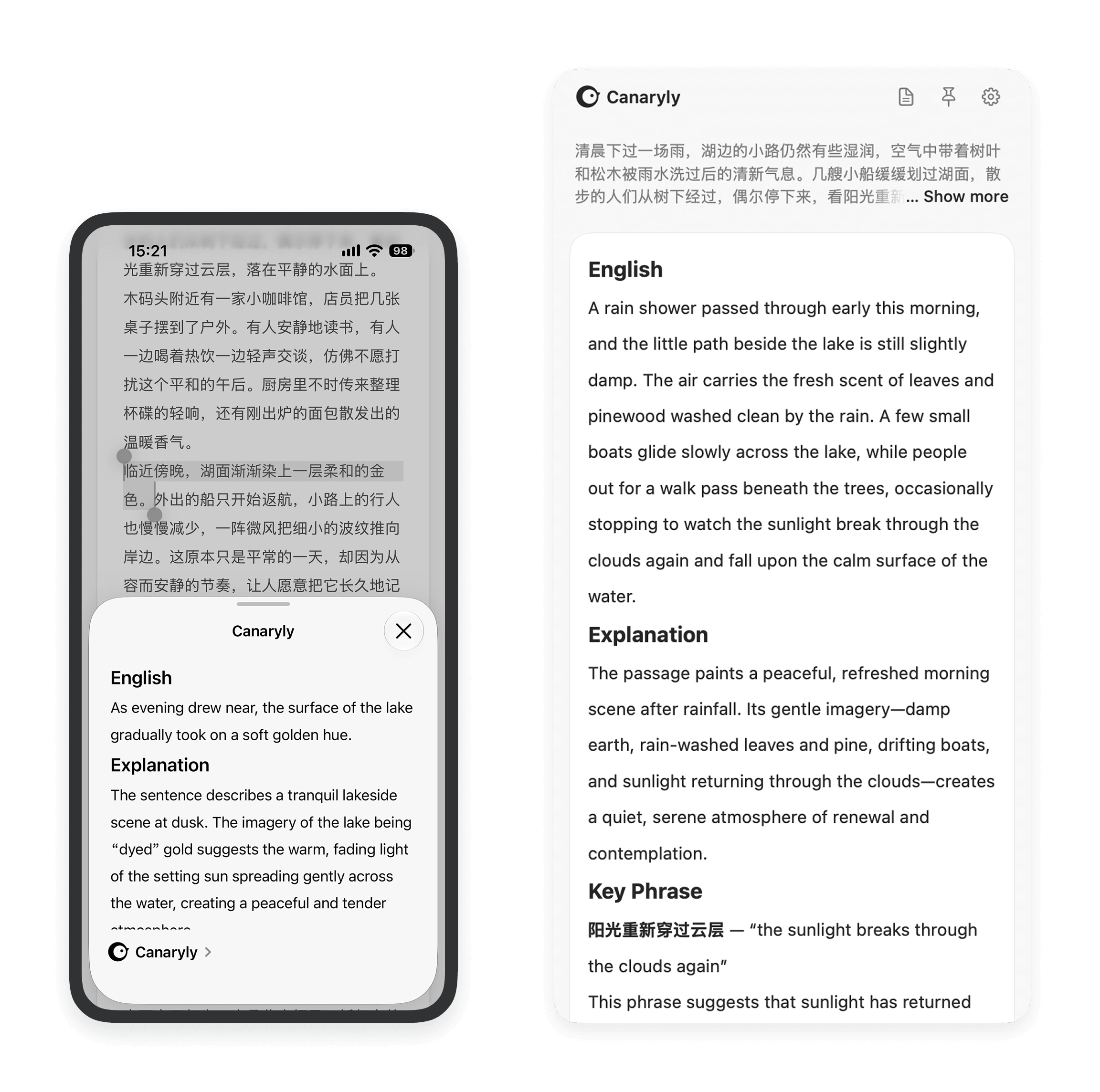
Translate selected text without switching apps.

Translate text you type or paste—or paste an image to translate its text.
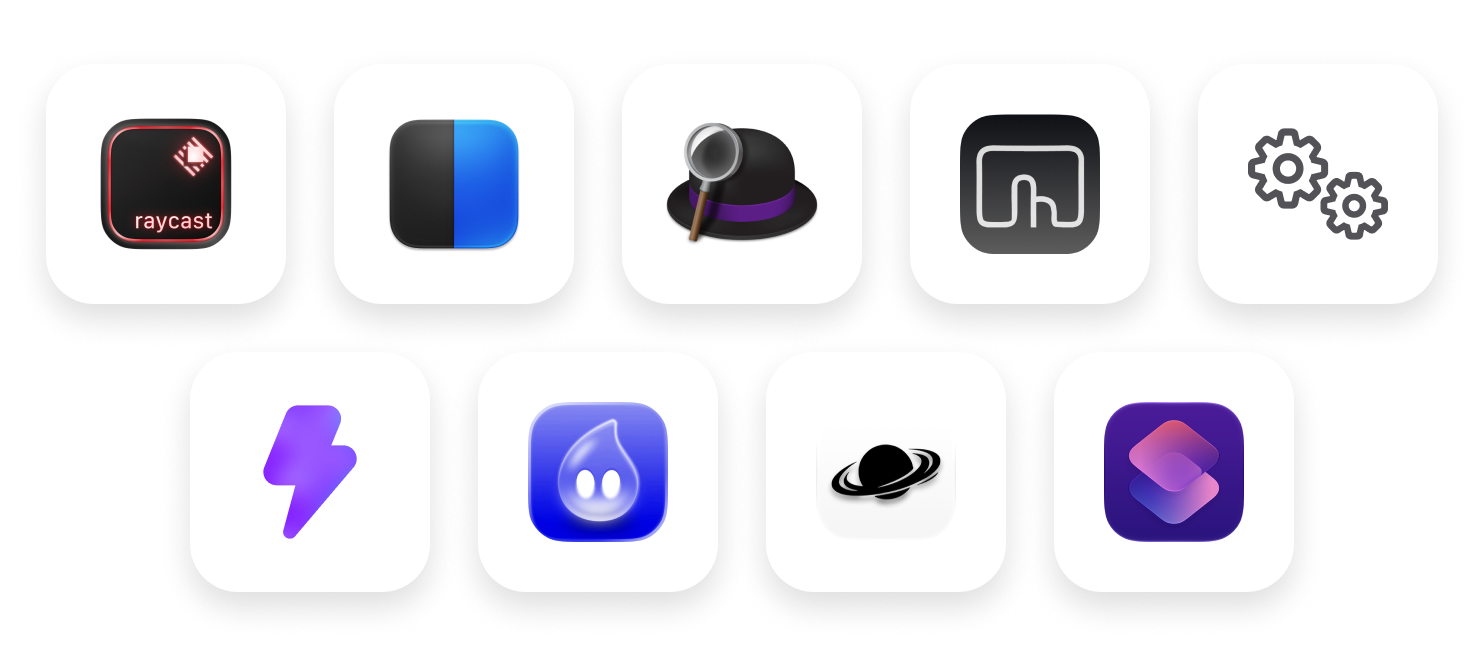
Bring text from the apps you use. See your translations in Canaryly’s panel.
On Mac, iPhone & iPad
Connect your preferred AI provider with your own API key.

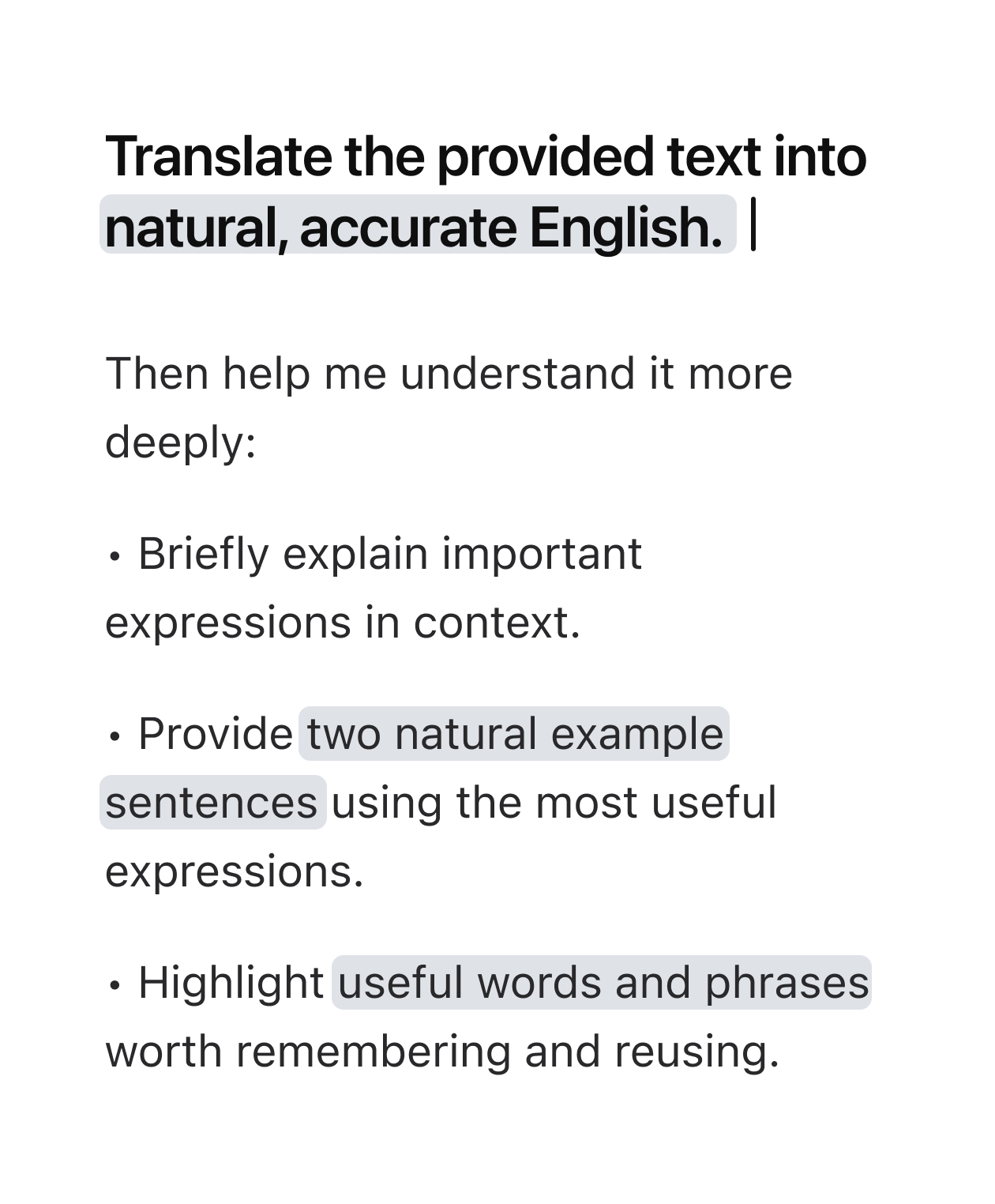
Add your own instructions to shape your translations.
Built to collect less
The keys are stored securely in your device’s Keychain.
Requests go directly from your device to your AI provider.
Canaryly doesn’t store your text or translations.
Good to know
Canaryly is currently free on Mac, iPhone, and iPad. Some features may require payment in the future. An API key from a supported AI provider is required to translate with Canaryly.
Any model usage charges are billed directly by your provider. Requests go directly from your device to that provider — not through Canaryly servers.